
Посібник користувача PhotoRobot SmartCodes та готовий до друку аркуш кодів
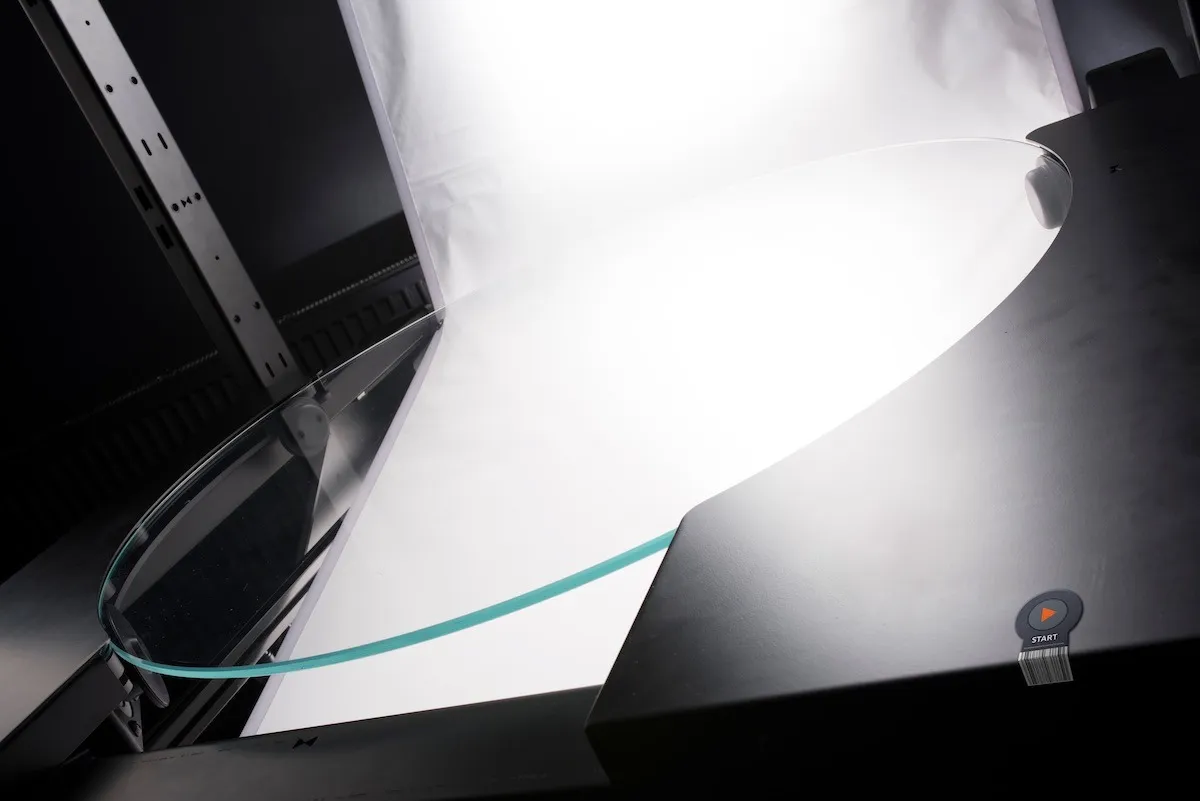
Наступний посібник користувача описує, як використовувати, завантажувати та друкувати PhotoRobot SmartCodes для інтеграції в робочі процеси студії. У PhotoRobot Controls SmartCodes — це спеціальні коди-тригери. Вони дозволяють безпосередньо керувати програмним забезпеченням шляхом сканування коду. Залежно від типу використовуваного сканера, SmartCode може бути у форматі штрих-коду або QR-коду. Потім клієнти друкують SmartCodes як наклейки або, як альтернативу, як етикетки для розміщення біля робочих станцій або для носіння по студії.
Це усуває непотрібні переміщення туди-сюди від комп'ютерної робочої станції, значно підвищуючи продуктивність. Водночас це особливо зручно, коли SmartCodes знаходяться надзвичайно близько до об'єкта фотографування. У цих випадках оператор може розміщувати продукти на машині та миттєво сигналізувати про початок послідовності робочого процесу, скануючи код. Між цим немає втрати часу. Оператор просто сканує код, розміщуючи об'єкт, і сканує наступний код, щоб автоматично запустити наступний етап робочого процесу.
PhotoRobot SmartCodes Доступні для використання в студії
Поточний асортимент завантажуваних і друкованих PhotoRobot SmartCodes охоплює чотири життєво важливі етапи робочого процесу на базі PhotoRobot. Ці спеціальні SmartCodes включають:
- 8595676400053 – Початок послідовності
- 8595676400060 – Готовий до зйомки
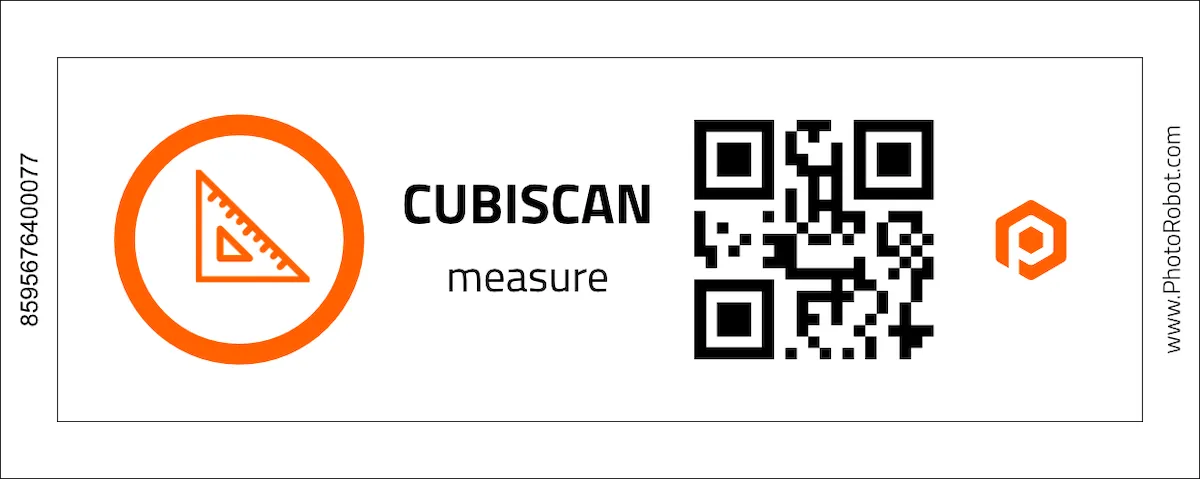
- 8595676400077 – Почати вимірювання CubiScan
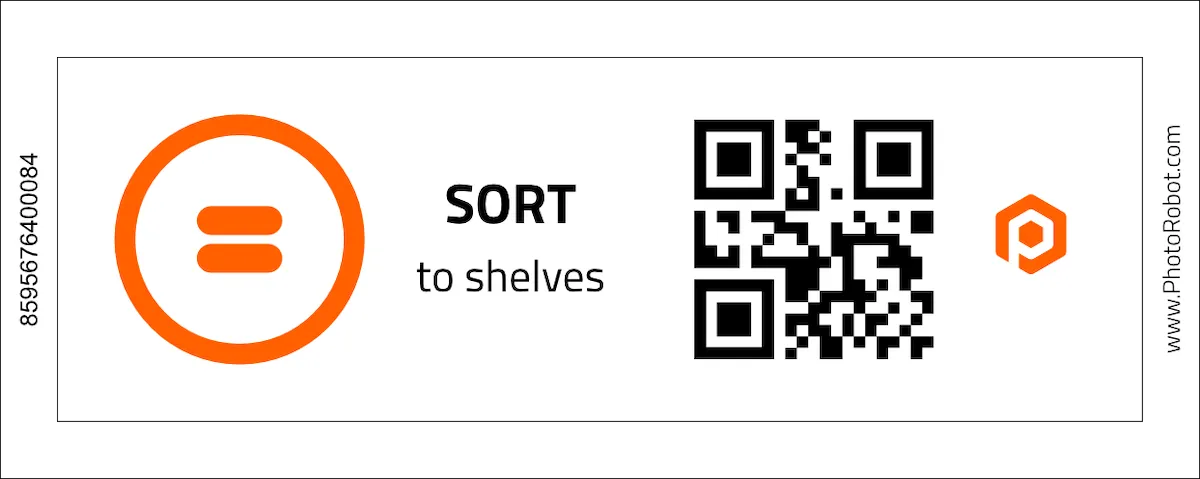
- 8595676400084 – Відкрити сортування на полиці
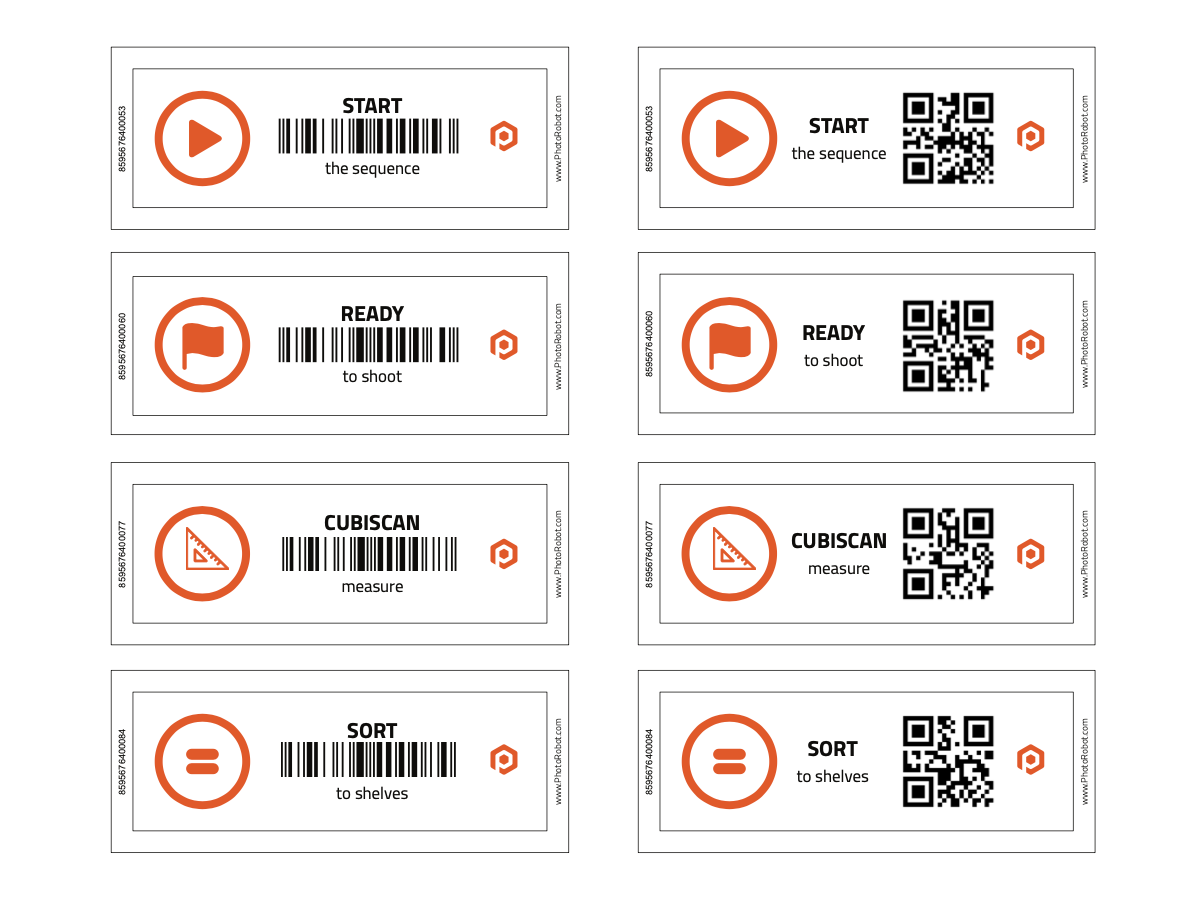
Запустити послідовність SmartCode
Сканування SmartCode початкової послідовності дасть вказівку програмному забезпеченню PhotoRobot Controls розпочати роботизований процес зйомки.
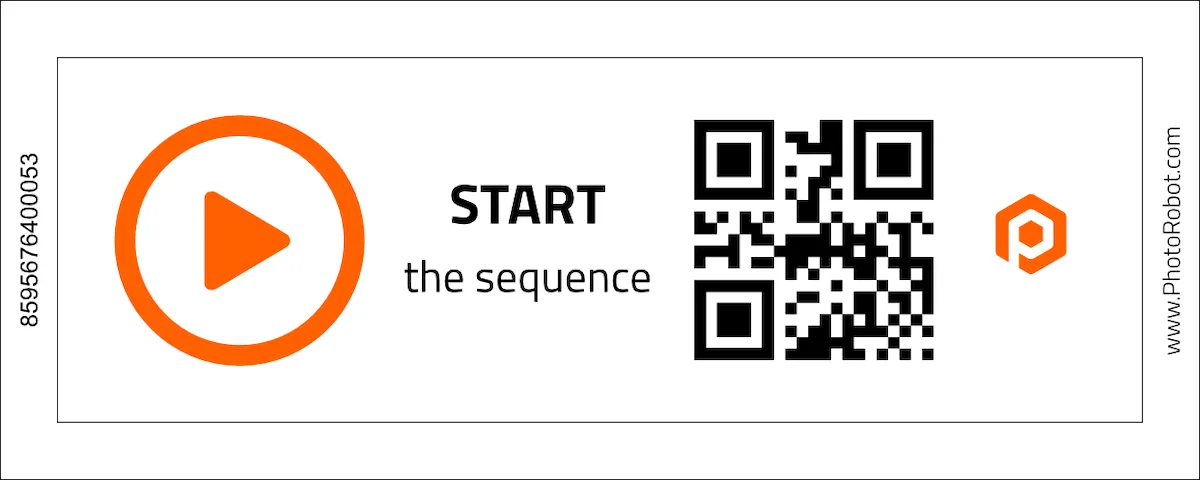
Готовий до зйомки SmartCode
SmartCode Готовий до зйомки повідомляє програмному забезпеченню, що продукт був розміщений для робота, і що послідовність зйомки готова до початку.
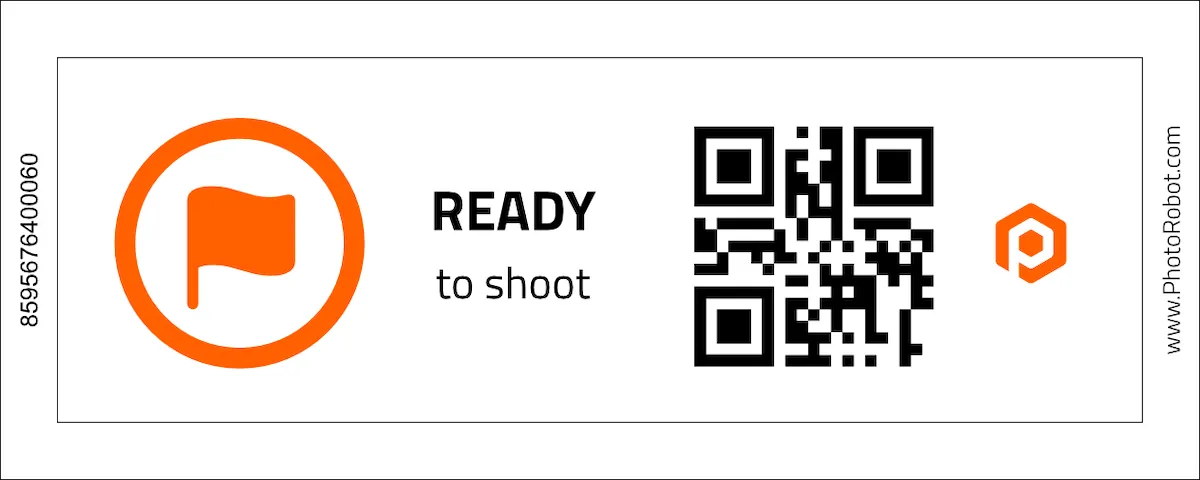
CubiScan SmartCode
SmartCode для CubiScan готує пристрій CubiScan для вимірювання ваги та розмірів об'єкта. Відскануйте код, щоб підготувати CubiScan, а потім просто відскануйте об'єкт, щоб автоматично записати виміри елемента в програмне забезпечення.
Сортувати на полиці SmartCode
Використання SmartCode Sort to Shelves інструктує програмне забезпечення PhotoRobot Controls розпочати сортування предметів на полиці після сканування. Таким чином, оператори просто сканують код полиці, а потім сканують предмет, щоб швидко призначити його налаштування фотосесії.
Примітка: Для отримання додаткової інформації про сортування предметів на полиці зверніться до Посібника користувача PhotoRobot Capturing Images.
Готові до друку шпаргалки PhotoRobot SmartCodes
Використовуйте дві кнопки в цьому розділі, щоб отримати доступ до завантажуваних, готових до друку шпаргалок PhotoRobot SmartCodes. Огляд SmartCodes містить усі коди з окремими файлами у форматах QR-коду та штрих-коду. Потім, як бонус, є Аркуш Smartcodes, готовий до друку для комерційного друку PhotoRobot SmartCodes. Перша сторінка призначена для друку, а друга містить контури для вирізання.
Як генерувати унікальні QR-коди та штрих-коди
Можна генерувати QR-коди або штрих-коди за допомогою різних онлайн-інструментів. Для вищої якості рекомендуються векторні формати (SVG). Хоча, стандартні растрові формати, такі як PNG, зазвичай достатні.
- Генерація QR-кодів доступна, наприклад, через QRCode Monkey.
- Генерація штрих-кодів доступна, наприклад, через Генератор штрих-кодів.
Поради щодо інтеграції PhotoRobot SmartCodes у студії
На практиці SmartCodes можна використовувати як наклейки або друкувати на принтерах етикеток (зазвичай доступних на робочих станціях) або стандартних принтерах. SmartCode потім можна розміщувати будь-де в робочому просторі як теги або на брелоках для носіння, наприклад. Користувачі мають велику гнучкість у тому, як вони використовують коди.


Серія EOS Rebel


Серія цифрових дзеркальних камер EOS


Серія бездзеркальних камер EOS M


Серія PowerShot


Крупним планом / З рук

Серія Canon EOS Rebel пропонує зручні для початківців цифрові дзеркальні камери з надійною якістю зображення, інтуїтивно зрозумілим керуванням і універсальними функціями. Ці камери ідеально підходять для любителів фотографії, забезпечують надійне автофокусування, сенсорні екрани зі змінним кутом нахилу та запис відео у форматі Full HD або 4K.
Підключення
Резолюція (МП)
Резолюція
Цифрові дзеркальні фотокамери Canon EOS забезпечують високу якість зображень, швидке автофокусування та універсальність, що робить їх ідеальними як для фотозйомки, так і для відеозйомки.
Підключення
Резолюція (МП)
Резолюція
Бездзеркальні камери Canon EOS M поєднують у собі компактний дизайн із продуктивністю, як у цифрової дзеркальної фотокамери. Завдяки змінним об'єктивам, швидкому автофокусуванню та високоякісним датчикам зображення ці камери чудово підходять для мандрівників і творців контенту, які шукають портативність без шкоди для якості зображення.
Підключення
Резолюція (МП)
Резолюція
Серія Canon PowerShot пропонує компактні та зручні камери для звичайних фотографів і ентузіастів. Завдяки моделям, починаючи від простих і закінчуючи вдосконаленими камерами зі змінною фокусною відстанню, вони забезпечують зручність, надійну якість зображення та такі функції, як стабілізація зображення та відео 4K.
Підключення
Резолюція (МП)
Резолюція
Камери Canon Close-Up & Handheld призначені для деталізованої зйомки та відеозйомки зблизька. Компактні та прості у використанні, вони забезпечують точне фокусування, зображення з високою роздільною здатністю та універсальні можливості макрозйомки, що ідеально підходить для відеоблогінгу, предметної зйомки та творчих знімків крупним планом.
Підключення
Резолюція (МП)
Резолюція


