
From Crop to Channel-Ready Delivery in PhotoRobot Editor
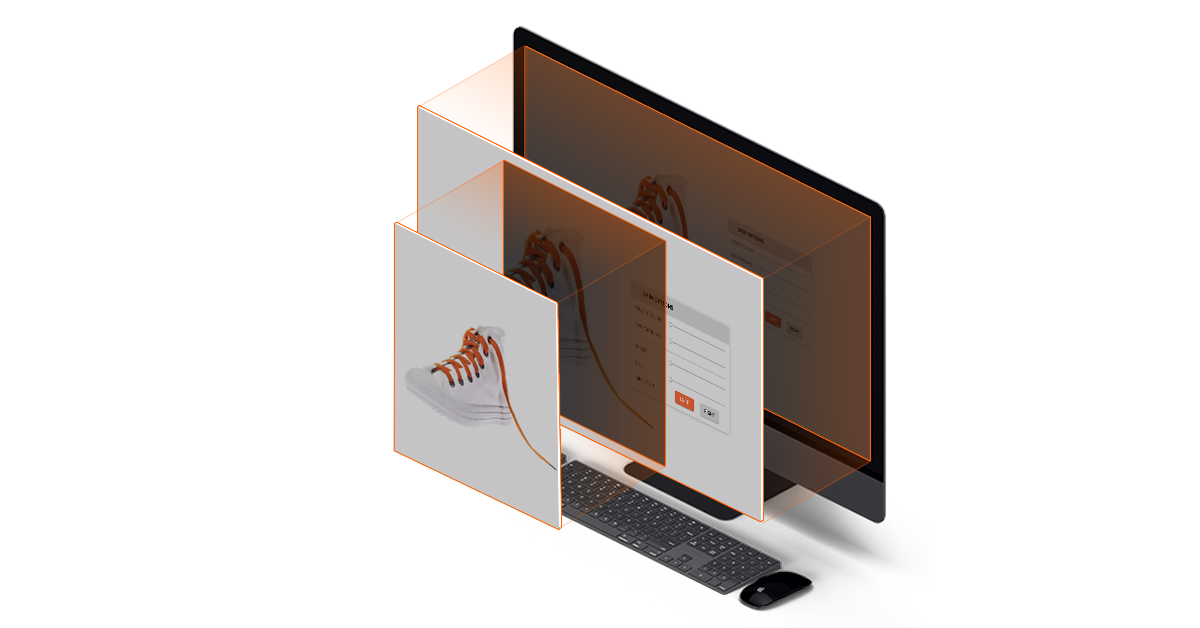
Marketplace and web formats leave the editor channel-ready. Crop & deliver at target pixel sizes. Keep image metadata intact. Export exactly what you see.
Achieving Publishable Files Directly in the Editor
PhotoRobot Controls delivers smarter controls for retrieving publishable files directly from the editor. This includes the function to crop with output resizing, which is especially fit for eCommerce and multi-channel brands. At the same time, smarter export ensures assets are web-ready when they leave the editor – with metadata, formats and filter-aware delivery.
Read ahead to learn how these new features in PhotoRobot _Controls help your teams to produce web-ready assets with ease.
Crop with Output Resizing Directly in the Editor
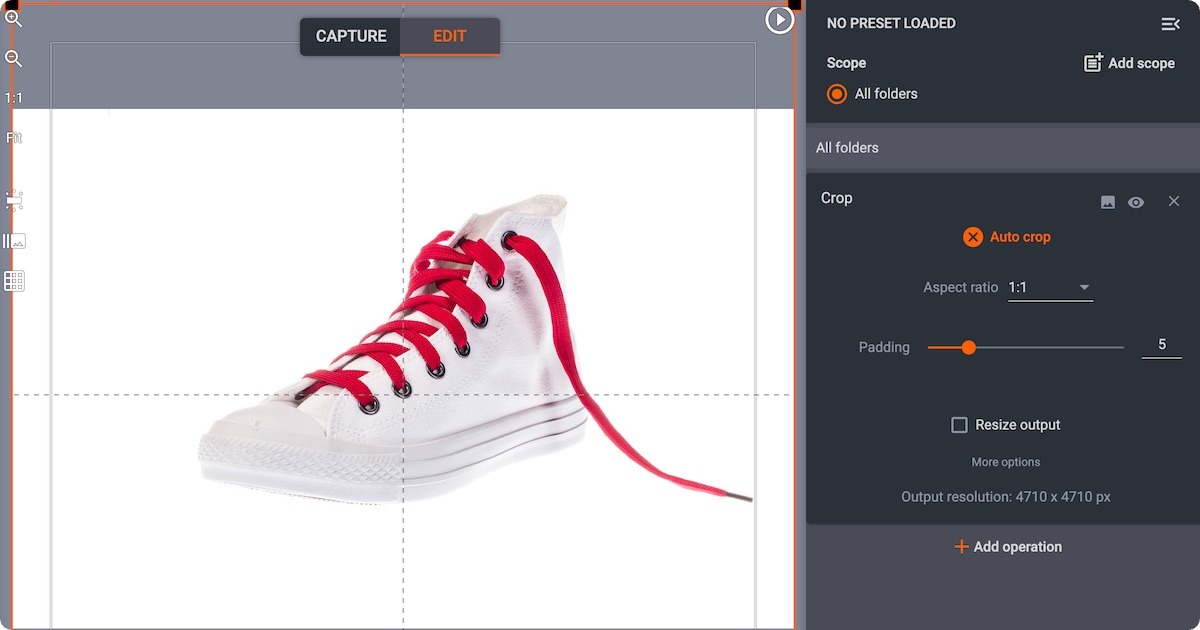
Crop and deliver at the target pixel size in one editorial pass – directly from within the editor. Marketplace and web formats are instantly channel-ready, with product image metadata intact, and targeting the right folders. You export exactly what your filtered list shows.
Crop Is Not Only Composition
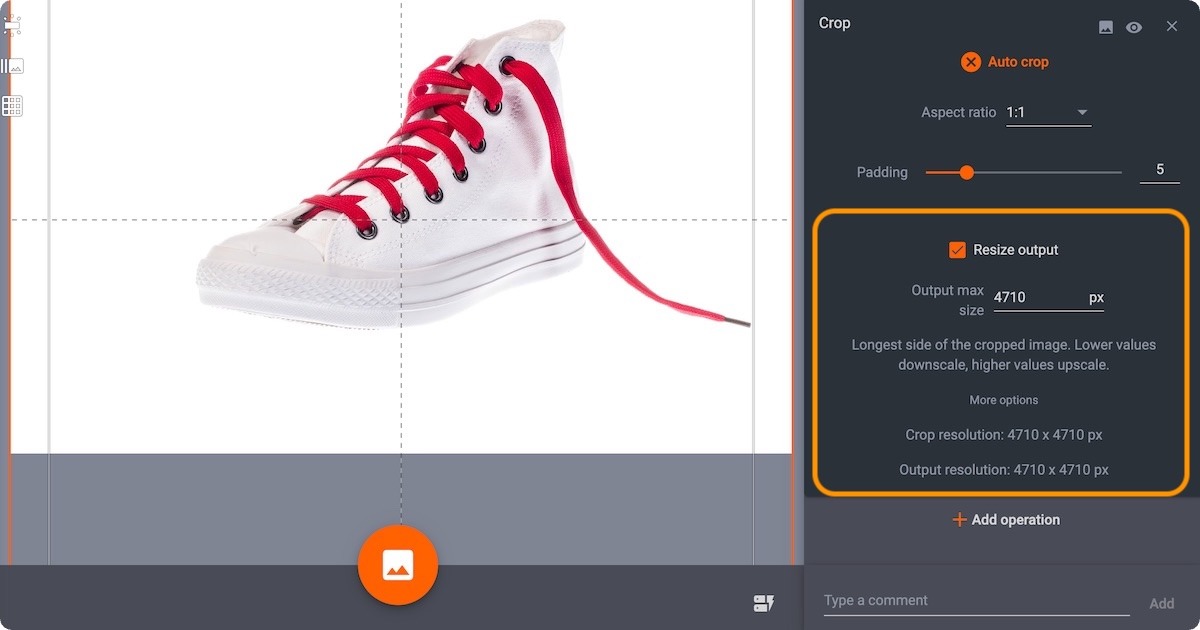
Ecommerce channels demand fixed dimensions as often as they demand perfect framing. PhotoRobot _Controls adds output resizing support to editor crop, so teams can crop and size for delivery without a separate batch tool.
What Operators Gain
The output resizing support to the editor’s crop means your team can:
- Crop for composition, then resize to the required output dimensions.
- Ensure fewer round-trips between editor, export profiles, and external converters.
- Produce channel-ready stills for marketplaces, PDPs, and campaign assets from the same edit session.
Fit for Multi-Channel Brands
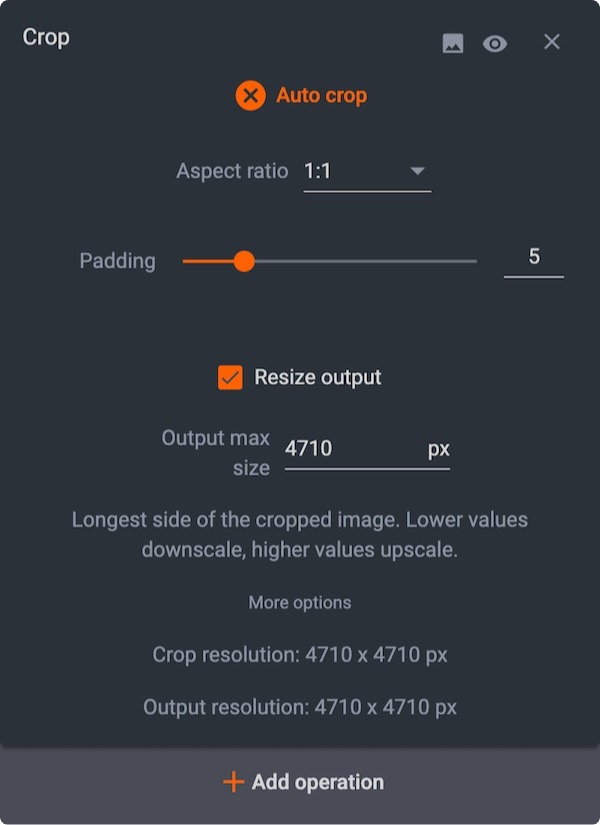
When one SKU often requires several crops and sizes, the resize function in the crop workflow keeps high-volume editing inside _Controls – where production already lives.
Simply open an item in the editor, use crop with output resizing, and save a channel-ready frame without leaving the _Controls interface.
Smarter Export: Metadata, Formats & Filter-Aware Delivery
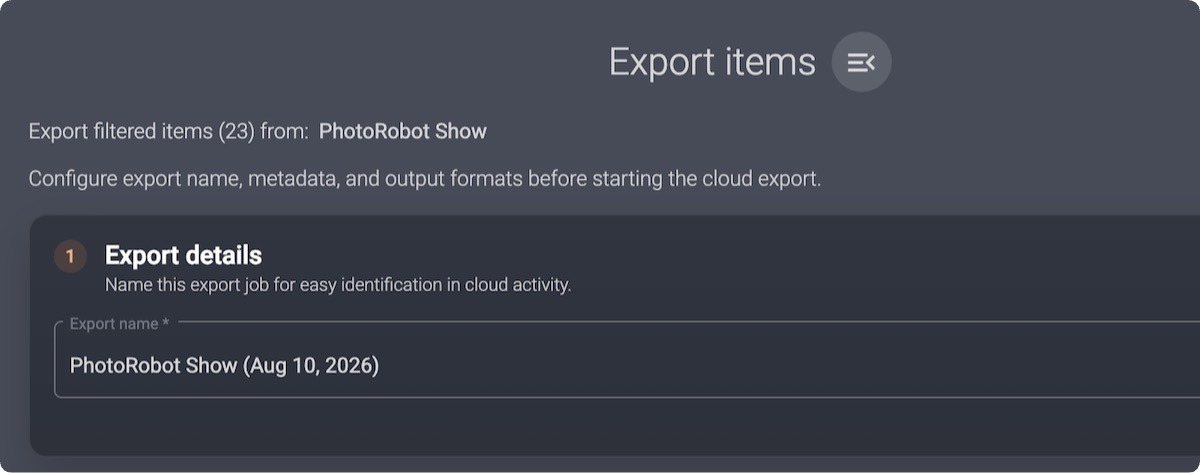
Also helping to ensure your operators deliver channel-ready assets directly from the editor, there is smart export of metadata and formats with filter-aware delivery. This way, you keep your product image metadata intact no matter where it travels. Exports target the right folders every time, while your team exports exactly what their filtered lists show. All directly from PhotoRobot _Controls.
Export Built for High-Volume Delivery
Shipping product imagery is more than clicking Export. Brands need consistent IPTC/XMP keywords. They require correct copyright defaults, folder-specific formats, and confidence that the export matches the items they filtered on screen. Thus, PhotoRobot _Controls treats export as a guided, production-grade delivery step – not just a black box.
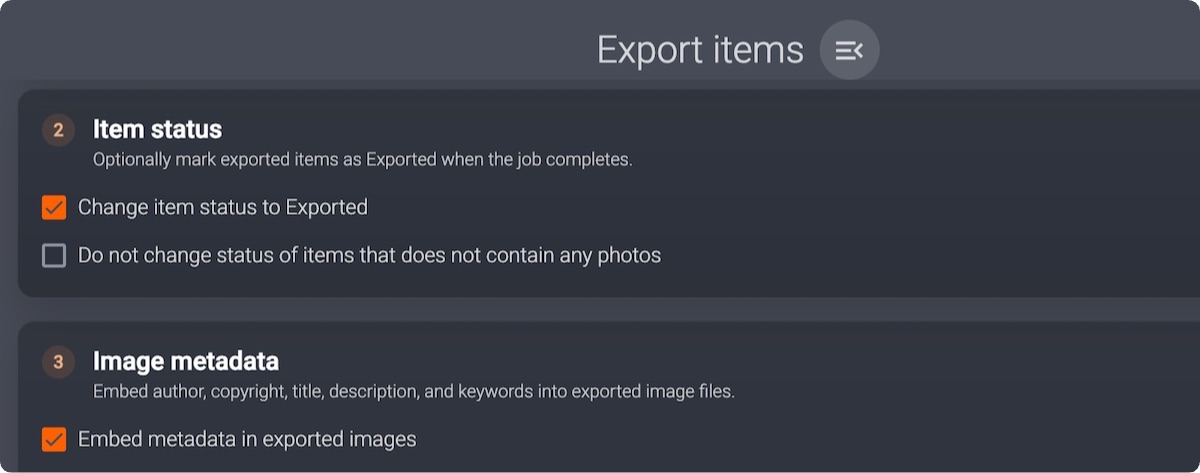
Image Metadata That Travels With Your Assets
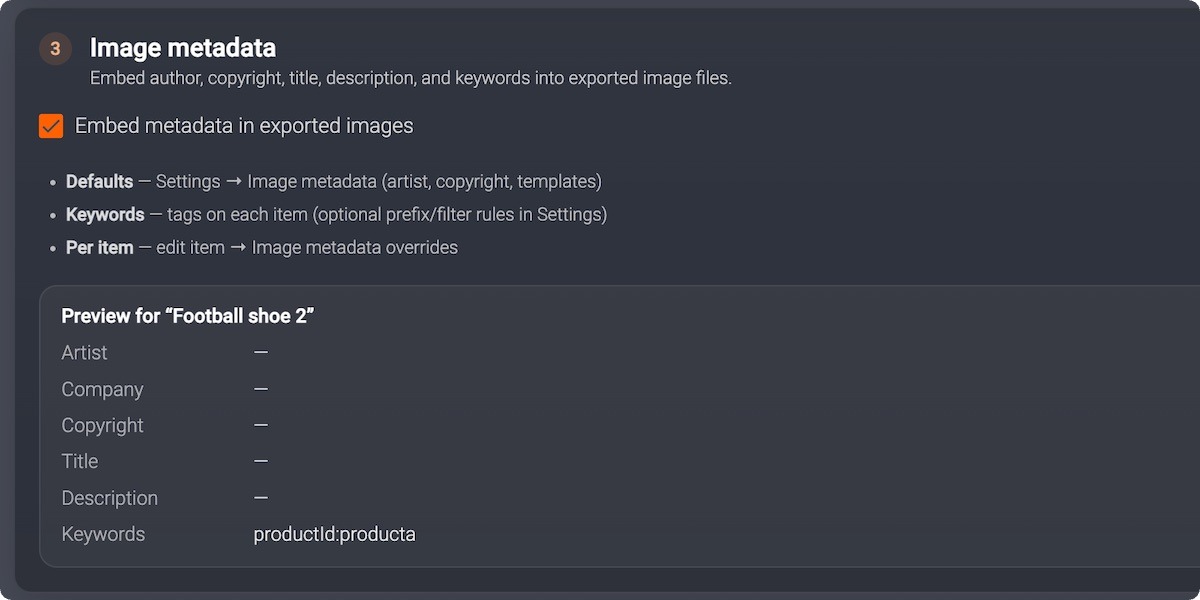
Manage image metadata once, then embed it at export time.
- Preserve EXIF / XMP / IPTC on FINAL images so camera and rights data survive processing.
- Organization defaults for artist, company, and copyright keep every delivery on-brand.
- Item tags as keywords — tags flow into IPTC/XMP for DAM and marketplace pipelines.
- Per-item overrides when a single SKU needs different rights or labeling.
Metadata stays current due to the embedding occurring when you export — not weeks earlier when the file was first processed.
Per-Folder Output Format Filters
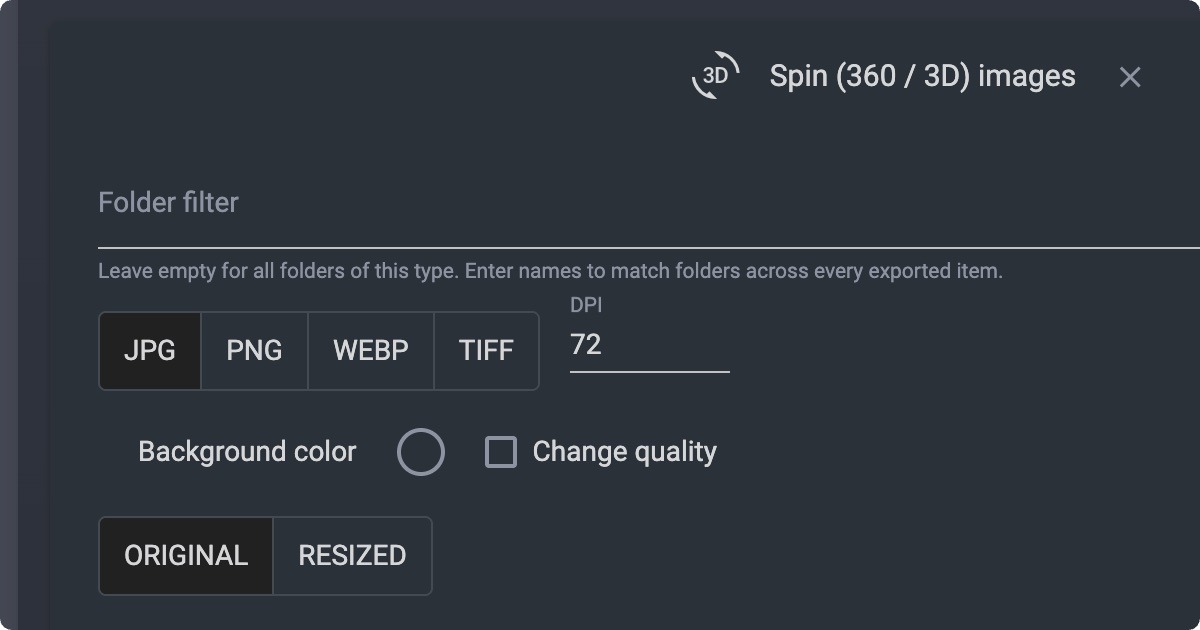
Not every folder needs every format. Configure Still and Spin outputs to target specific folder names so galleries, spins, and stills each get the right package.
Independent gallery options (HTML preview, SpinViewer, JSON, thumbnails) let you ship exactly what downstream systems expect — nothing more, nothing less.

Export What You See
When selecting nothing, export now respects the current list filter instead of dumping the entire project. Combining this with clearer scope messaging in the export dialog, operators know whether they are exporting selected items, a filtered set, or everything.
Support for High-Volume Production
High-volume production studios can lose unnecessary time re-tagging files after the fact, or re-running exports that included the wrong SKUs. These updates to _Controls close the gap between what production sees in the software and what leaves the studio.
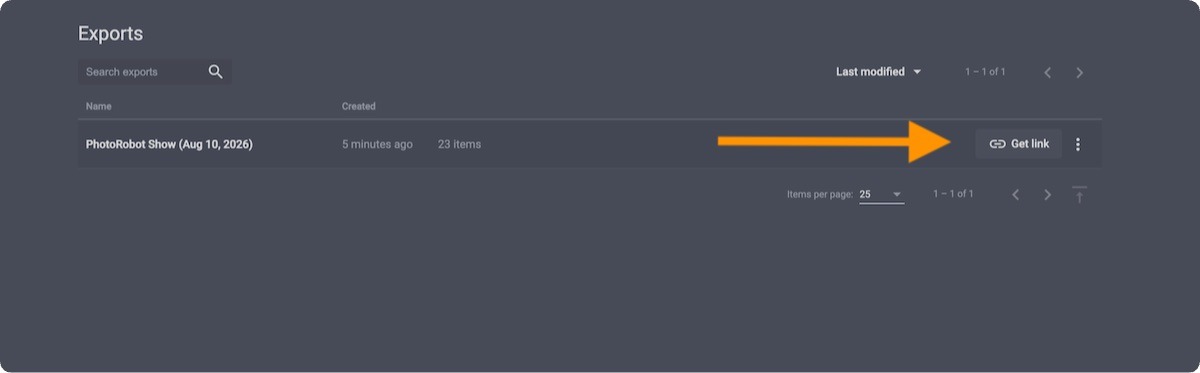
Simply boot up the latest version of _Controls software, and open export on a filtered item list to see the smarter, stepped export experience.
PhotoRobot Controls - Evolving Around Your Workflows
With smart export to support channel-ready delivery fit for multi-channel brands and high-volume production studios, PhotoRobot Controls delivers. Transform your photos from crop to publishable files directly out of the editor, with image metadata that travels with products. Simply ensure you are running the latest version of _Controls for access to the newest innovations evolving around your workflows.


